
 By pattipati.nageswar@gmail.com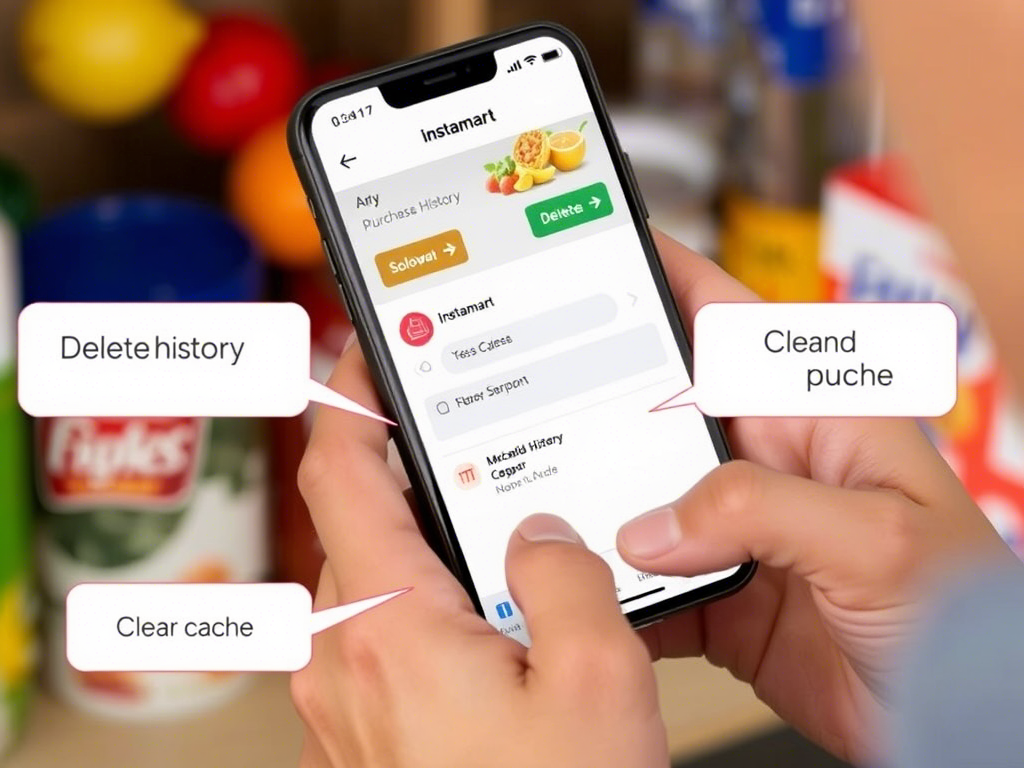
In today’s fast-paced world, services like Instamart by Swiggy have revolutionized the way we shop for groceries and daily essentials. Whether it’s a midnight snack craving or an urgent need for cooking oil, Instamart delivers it all in minutes. But as with most online services, every purchase you make leaves a digital footprint.
That brings us to a question many users have asked:
Can you delete your Instamart order history?
If you’re someone who likes to keep your digital life tidy, or you’re simply concerned about your privacy, this post will guide you through what’s possible, what’s not, and what you can do about your Instamart data.
What Is Instamart Order History?
Instamart history includes a log of:
- Items you’ve purchased
- The date and time of your orders
- Order amounts and payment methods
- Delivery addresses and contact details
This data helps improve your user experience—making reordering easier and faster, recommending frequently purchased items, and providing customer support when needed.
But what if you don’t want that data sitting in your account anymore?
Is There a Way to Delete Instamart History From the App?
Unfortunately, the short answer is no—at least not directly.
As of now, Swiggy does not allow users to manually delete or edit their Instamart order history from within the app. Once you’ve placed an order, it stays in your account history indefinitely (or until Swiggy changes its policy).
This might feel frustrating, especially if you’re a privacy-conscious user or simply want to clean up past orders.
So What Can You Do?
While you can’t hit a “Delete” button on your Instamart orders, there are still a few workarounds you can consider:
1. Clear App Data (on Android)
If you’re using an Android phone, you can clear Swiggy’s locally stored data:
Steps:
- Go to Settings > Apps > Swiggy > Storage
- Tap on Clear Data and Clear Cache
This will log you out of the app and remove temporary files and cached data, which may give a feeling of a “fresh start.” However, once you log back in, your full order history will still be visible from Swiggy’s servers.
📝 Note: This doesn’t actually delete your order history—it just clears it from your local device.
2. Contact Swiggy Customer Support
This is your best shot at managing your digital footprint:
- Use the in-app help section or send an email to support@swiggy.in
- Politely request for your Instamart order history to be deleted, or
- Ask about the process for account deletion or data erasure under privacy regulations like GDPR or India’s Personal Data Protection Bill (once fully implemented)
While Swiggy may not delete individual orders, they are legally bound to comply with data privacy requests in many jurisdictions.
3. Request Account Deletion
If you’re serious about wiping the slate clean, you can go a step further by deleting your entire Swiggy account.
Here’s how to request it:
- Go to Swiggy’s in-app support chat
- Or email: support@swiggy.in
- Mention you want to permanently delete your account and associated data
Swiggy will typically ask for confirmation and might take a few business days to process the request.
💡 Be aware: Once deleted, you’ll lose access to all your past orders, saved addresses, and preferences.
Why Doesn’t Swiggy Let You Delete Individual Orders?
There are several reasons:
- Customer Service: Swiggy needs past order data to help resolve issues like refunds, replacements, or complaints.
- Compliance: Businesses are often required by law to retain transaction data for accounting and auditing purposes.
- User Experience: Historical data is used to make the app more convenient—like reordering common items or applying location-based deals.
In other words, keeping this data isn’t just about tracking you—it’s also about efficiency and compliance.
Tips for Maintaining Digital Privacy on Instamart
If privacy is your priority, here are a few more tips:
- Use alternate or temporary email IDs when signing up
- Avoid saving your card or UPI details if you’re concerned about payment privacy
- Clear app cache regularly
- Keep your address generic (e.g., avoid using full names or company names in saved address titles)
- Disable app permissions that aren’t necessary (like microphone or contacts)
The Bottom Line
While Swiggy Instamart doesn’t currently allow users to delete their order history with a simple tap, there are still actions you can take to control your digital presence—from contacting support to deleting your entire account if needed.
In a digital world where data is everywhere, taking small steps toward privacy awareness can go a long way.
Are you planning to go grocery shopping and write on paper? why don’t you try Trupricer.com a digital shopping list creator Using trupricer mobile app, you can create a digital monthly shopping list in the app and there is no need to struggle with writing a list on paper every time
Andriod store link to download the app: https://play.google.com/store/apps/details?id=com.trupricer.user
IOS app store link :https://apps.apple.com/in/app/tru-pricer/id6480042106